LazyVim配置
MasterLazyVim 🏄
LazyVim🤔
LazyVim是一套Neovim配置,由lazy.nvim驱动,可以轻松自定义和扩展您的配置。LazyVim提供了两全其美的方式 - 根据需要调整配置的灵活性,以及默认预配置的便利性。它可以将您的Neovim转换为一个完整的IDE,具有易于自定义和扩展的配置,以及合理的默认设置。LazyVim还提供了许多预配置的插件,可立即使用!
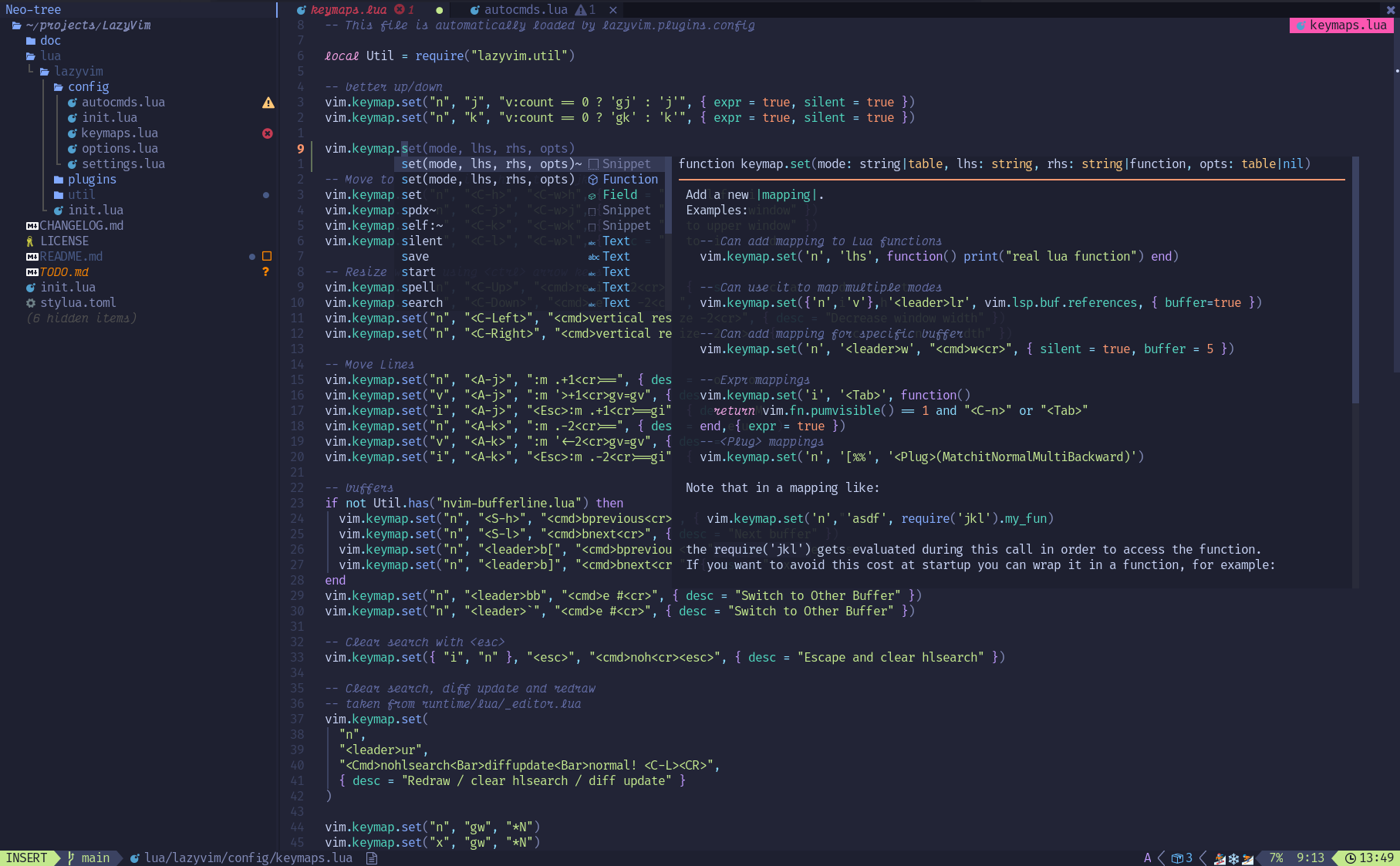
LazyVim 的出现可以说是将主流 IDE 和 Vim 的优点有机地结合在一起,使得它既具备强大的编辑和编程功能,同时也具备交互体验和开发效率。因此,使用 LazyVim 可以让你更加高效地完成编程工作,并且能够享受使用 Vim 带来的编辑效率和快乐。
⌨️ 快捷键
⚙️ 相关配置
1. 添加插件
在 .config/nvim/lua/plugins/ 新加 xxx.lua,格式参考 example.lua
修改主题,tokyonight.lua:
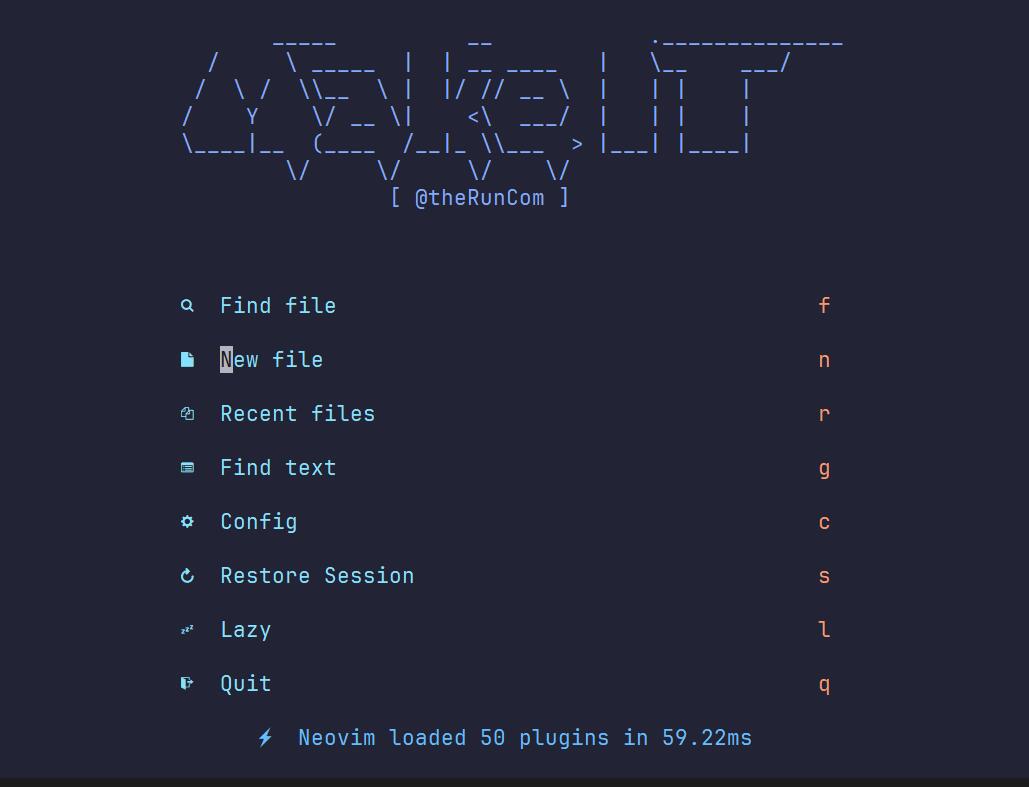
更改开始面板logo,alpha.lua:
1 2 3 4 5 6 7 8 9 10 11 12 13 14 15return { "goolord/alpha-nvim", opts = function(_, opts) local logo = [[ _____ __ .______________ / \ _____ | | __ ____ | \__ ___/ / \ / \\__ \ | |/ // __ \ | | | | / Y \/ __ \| <\ ___/ | | | | \____|__ (____ /__|_ \\___ > |___| |____| \/ \/ \/ \/ [ @theRunCom ] ]] opts.section.header.val = vim.split(logo, "\n", { trimempty = true }) end, }
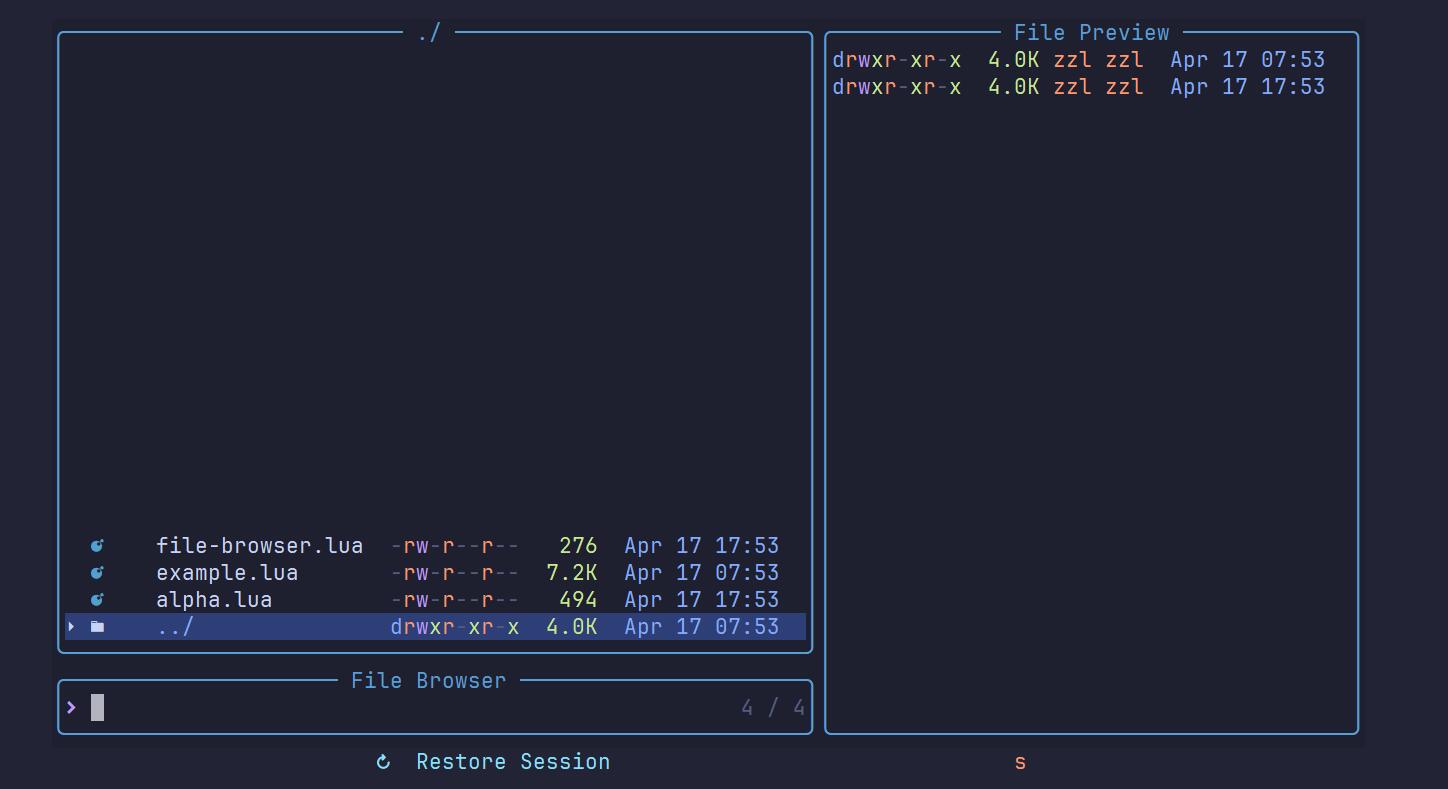
浏览文件,file-browser.lua:
终端,toggleterm.lua:
1 2 3 4 5 6 7 8 9 10 11 12 13 14 15 16 17 18 19 20 21 22 23 24 25 26 27 28return { { "akinsho/toggleterm.nvim", version = "*", opts = { size = 20, open_mapping = [[<c-\>]], hide_numbers = true, shade_terminals = true, shading_factor = 2, start_in_insert = true, insert_mappings = true, persist_size = true, direction = "float", close_on_exit = true, shell = vim.o.shell, float_opts = { border = "curved", }, }, keys = { { "<c-\\>", desc = "Toggle term", }, }, }, }tree-sitter插件是基于tree-sitter的插件,可以为多种编辑器提供语法高亮、代码折叠、自动补全等功能,treesitter.lua:
| |
Tailwind CSS 相关支持,tailwind.lua:
1 2 3 4 5 6 7 8 9 10 11 12 13 14 15 16 17 18 19 20 21 22 23 24 25 26 27 28 29 30 31 32return { { "neovim/nvim-lspconfig", opts = { servers = { tailwindcss = {}, }, }, }, { "NvChad/nvim-colorizer.lua", opts = { user_default_options = { tailwind = true, }, }, }, { "hrsh7th/nvim-cmp", dependencies = { { "roobert/tailwindcss-colorizer-cmp.nvim", config = true }, }, opts = function(_, opts) -- original LazyVim kind icon formatter local format_kinds = opts.formatting.format opts.formatting.format = function(entry, item) format_kinds(entry, item) -- add icons return require("tailwindcss-colorizer-cmp").formatter(entry, item) end end, }, }
Tips🔐
步骤
- 运行
:checkhealth
0:00 Introduction 0:24 LazyVim Installation 1:35 Show which-key 2:11 Add TypeScript Support 3:10 Find Files via Telescope 3:38 Leap.nvim Plugin 3:55 LSP Features 4:14 Search Grep via Telescope 4:32 Diagnostics 5:02 Colorscheme Picker 5:12 Switch Buffers 5:39 Splits 6:05 Todo Plugin 6:40 Autocompletion and Snippets 7:40 Find Keymaps 7:52 Lazy.nvim Plugin 8:34 Toggle Numbers 8:45 Global Search Replace 9:34 Lazygit Plugin 9:58 Terminal Plugin 10:49 Add Custom Option 11:30 Add Custom Keymap 12:46 Switch Default Colorscheme 13:59 Add New Plugin 15:11 Update Built-in Plugin 15:58 Disable Built-in Plugin 16:36 Conclusion