本文的主题源自于文章:
15个最佳GTK主题
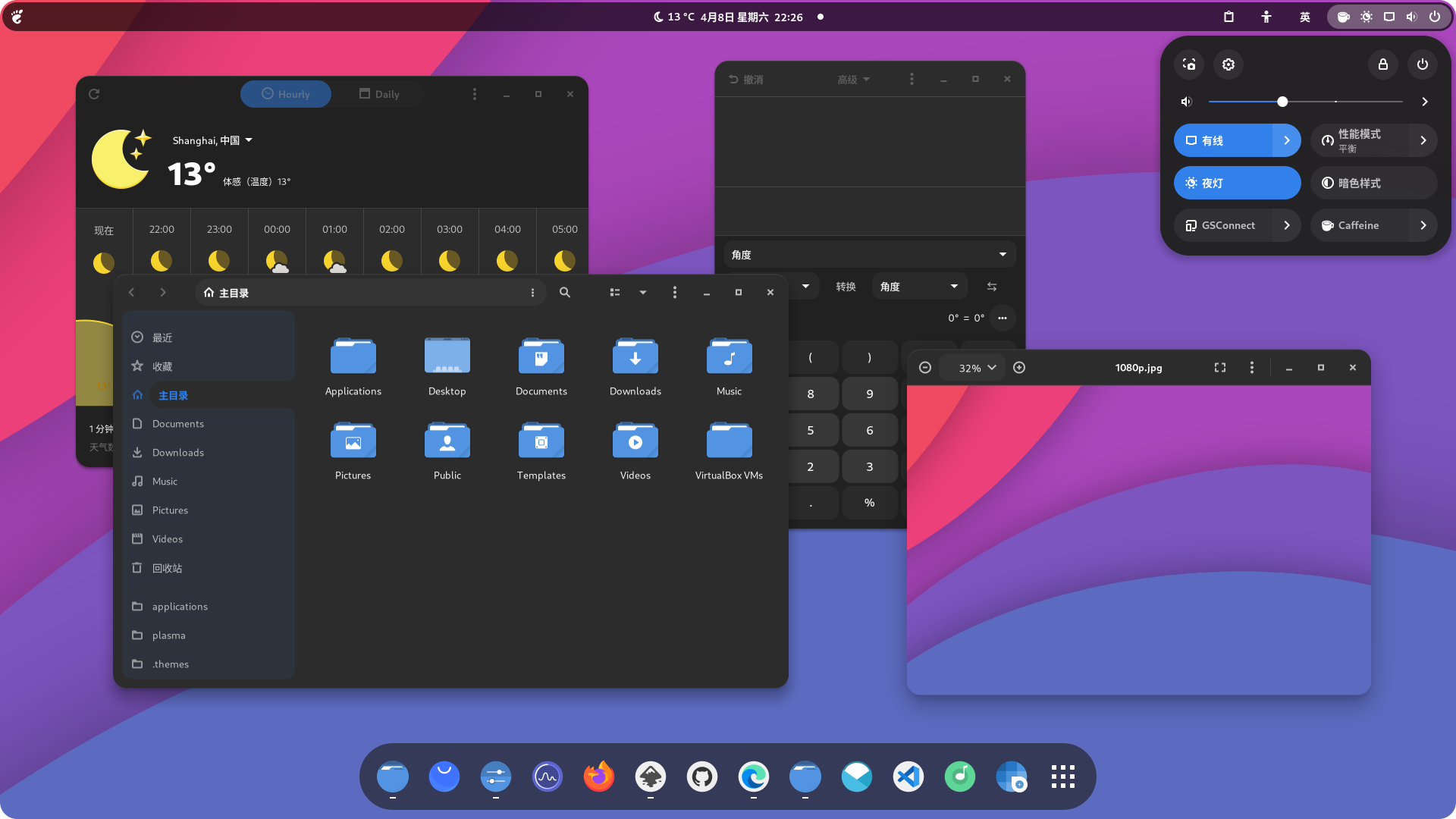
Orchis theme
Orchis is a
Material Design
theme for GNOME/GTK based desktop environments.
Based on nana-4 –
materia-theme

Requirements
- GTK
>=3.20 gnome-themes-extra (or gnome-themes-standard)- Murrine engine — The package name depends on the distro.
gtk-engine-murrine on Arch Linuxgtk-murrine-engine on Fedoragtk2-engine-murrine on openSUSEgtk2-engines-murrine on Debian, Ubuntu, etc.
sassc — build dependency
Donate
If you like my project, you can buy me a coffee:

Installation
Download
1
| git git@github.com:vinceliuice/Orchis-theme.git
|
Manual Installation
Run the following commands in the terminal:
Tip: ./install.sh allows the following options:
 1
 2
 3
 4
 5
 6
 7
 8
 9
10
11
12
13
14
15
16
17
18
19
20
21
22
23
24
25
26
27
28
29
30
31
32
33
34
35
36
| OPTIONS:
-d, --dest DIR Specify destination directory (Default: $HOME/.themes)
-n, --name NAME Specify theme name (Default: Orchis)
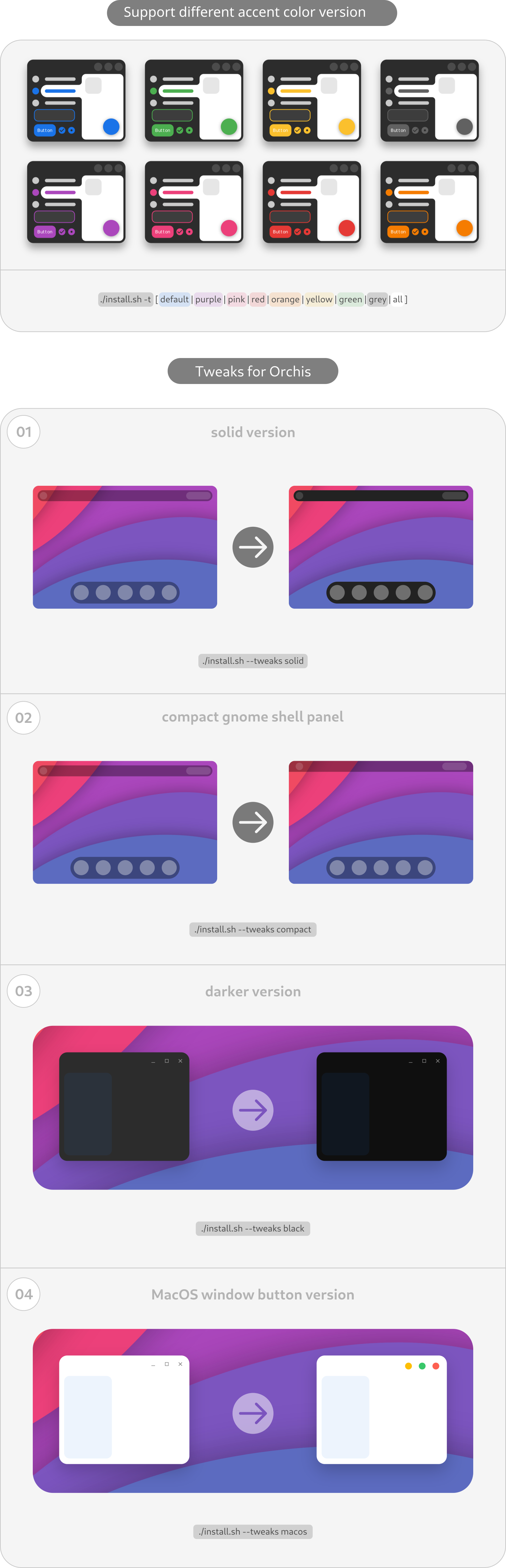
-t, --theme VARIANT Specify theme color variant(s) [default|purple|pink|red|orange|yellow|green|teal|grey|all] (Default: blue)
-c, --color VARIANT Specify color variant(s) [standard|light|dark] (Default: All variants)s)
-s, --size VARIANT Specify size variant [standard|compact] (Default: All variants)
-l, --libadwaita Link installed Orchis gtk-4.0 theme to config folder for all libadwaita app use Orchis theme
--tweaks Specify versions for tweaks [solid|compact|black|primary|macos|submenu|(nord/dracula)] (Options can mix)
1. solid: No transparency panel variant
2. compact: No floating panel variant
3. black: Full black variant
4. primary: Change radio icon checked color to primary theme color (Default is Green)
5. macos: Change window buttons to MacOS style
6. submenu: Theme sub-menus, by Default submenus contrast
7. [nord|dracula]: Nord/dracula colorscheme themes (nord and dracula can not mix use!)
--round Change theme round corner border-radius [Input the px value you want] (Suggested: 2px < value < 16px)
1. 3px
2. 4px
3. 5px
...
13. 15px
--shell install gnome-shell version [38|40|42|44]
1. 38: Gnome-shell version < 40.0
2. 40: Gnome-shell version = 40.0
3. 42: Gnome-shell version = 42.0
4. 44: Gnome-shell version >= 44.0
-r, --remove,
-u, --uninstall Uninstall/Remove installed themes
-h, --help Show help
|
For more information, run: ./install.sh -h
Tweaks for Orchis
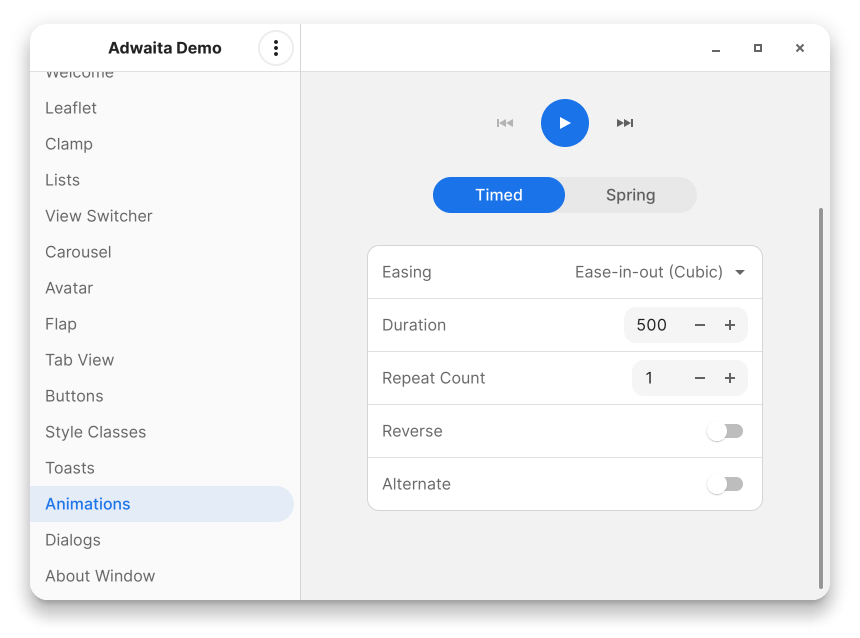
Fix for libadwaita (Gnome-shell >= 42.0)
run: ./install.sh -l (Default light version will installed)
This fix is just a link from selected Ochis gtk-4.0 theme in $HOME/.theme to $HOME/.config/gtk-4.0/gtk.css
so it will not support change theme through Gnome-tweaks
if you want install other theme version for libadwaita you can run like:
1
| ./install.sh -c dark -l #(Link dark version)
|
1
| ./install.sh -c dark -t purple -l #(Link dark purple version)
|
and so on …
Flatpak Installation
Automatically install your host GTK+ 3.0 theme as a Flatpak. Use this:
Also if you want to use this theme on a GTK+ 4.0 flatpak app, you can give the permission to access this file
local:
1
| flatpak override --user --filesystem=xdg-config/gtk-4.0
|
global:
1
| flatpak override --filesystem=xdg-config/gtk-4.0
|